

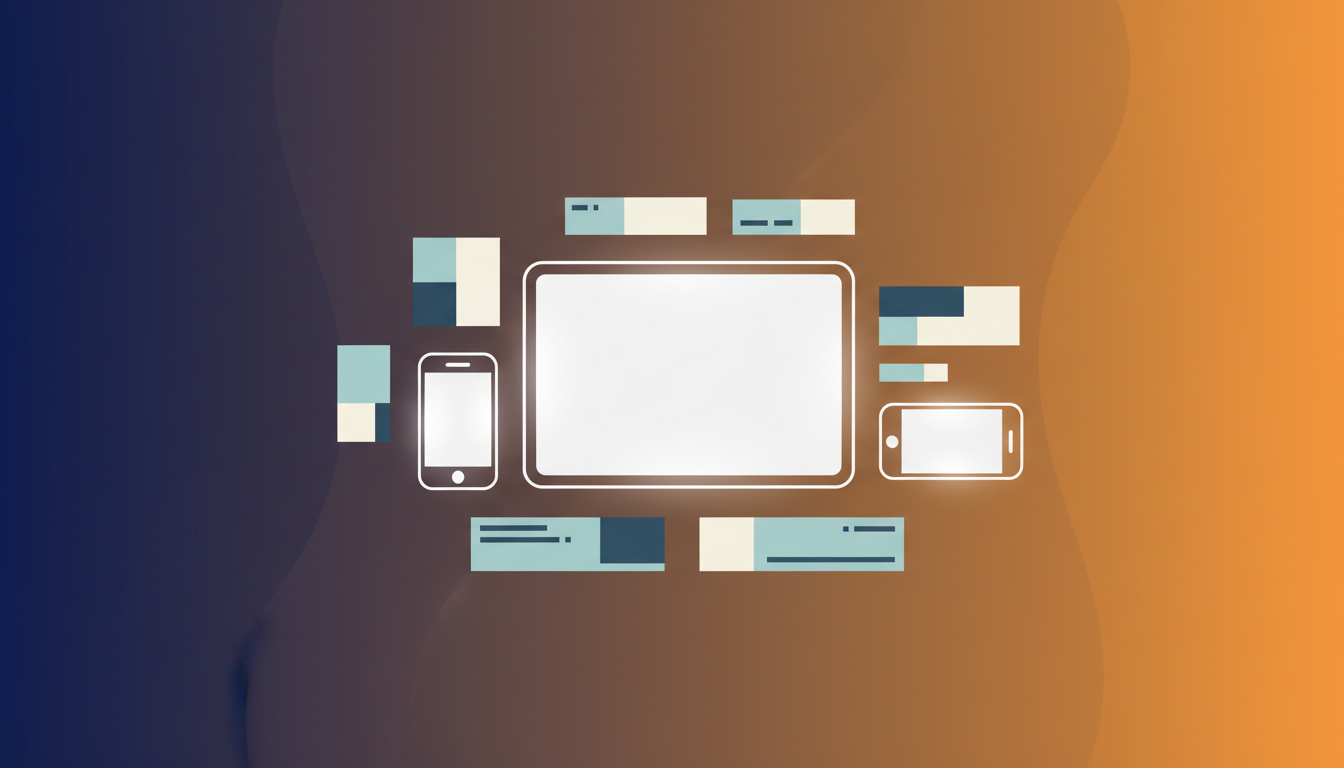
Ad Sizes Cheat Sheet: Every Platform's Dimensions
Running the same campaign across platforms means producing the same idea in a lot of different shapes. Here is a practical reference for the sizes that matter, and why they exist.
Instagram & Facebook
- Square post — 1080×1080. The safe default for feed.
- Portrait post — 1080×1350. Takes up more screen and usually outperforms the square in feed.
- Story / Reel — 1080×1920. Full-screen vertical; keep text away from the top and bottom edges.
- Facebook feed — 1200×628. The classic link-ad landscape.
Google Display
- Leaderboard — 728×90 and Medium rectangle — 300×250, the two most-served banner sizes.
- Half page — 300×600 and large mobile — 320×100 round out the set.
Other placements
- LinkedIn — 1200×627 for single-image ads.
- Pinterest — 1000×1500, tall by design.
- YouTube / video cover — 1920×1080 for 16:9 thumbnails and covers.
The practical takeaway
You do not need to memorize these. The point is that one campaign needs many exact sizes, and producing them by hand is where the hours go. Adfinery keeps every one of these as a preset and adapts a single design to all of them at once, so the campaign stays consistent and correctly sized everywhere it runs.
Share
Related post
How AI Ad Generation Is Transforming Digital Marketing
For most of advertising history, producing a campaign meant a chain of specialists: a strategist, a copywriter, a designer, and days of back-and-forth. AI ad generation collapses that chain. Instead of briefing a team and waiting, a marketer describes the product and the offer once, and finished ads come back in minutes — sized correctly for every platform, with the copy already written. From blank page to finished campaign The biggest change is where the work starts. Traditional tools give you an empty canvas; AI tools give you a finished draft you refine. That flips the effort from creation to curation. You are no longer paying for the first 80% of the work — the layout, the resizing, the first pass of copy — you are spending your time on the last 20% that actually differentiates the ad. Consistency across every size A modern campaign needs the same idea in a dozen shapes: a square for Instagram, a wide leaderboard for display, a vertical story, a video cut. Producing those by hand is where most of the time and cost hides. AI generation adapts one master design to every size automatically, so the campaign stays visually consistent without the manual busywork. What it means for teams Small teams get the output of a much larger one. A single marketer can run more experiments, ship more variations, and react to what is working the same day instead of the next week. Larger teams use AI to handle the repetitive production so their designers spend time on brand and strategy, not on resizing. The shift is not about replacing creativity — it is about removing the mechanical steps between an idea and a finished ad. Tools like Adfinery are built around that principle: describe it once, get every format back, and keep full control of the words and layout.
A Small Business Guide to AI Ad Generators
Small businesses face a hard trade-off with advertising: agencies are expensive, and doing it yourself eats the time you need to run the business. AI ad generators are closing that gap, letting a one-person shop produce ads that look like they came from a studio. Why it fits a small budget You pay a small monthly fee instead of a per-project agency invoice, and you can make as many ads as your plan allows. That changes the math on testing — instead of betting everything on one expensive creative, you can run several versions and let the results decide. What you actually need to start A clear product photo. A real photo of what you sell gives the sharpest, most trustworthy result. One line about the offer. Free shipping, 20% off, new arrival — whatever the hook is. Your logo and brand colors, so every ad looks like you. A simple first campaign Start with one product and three sizes: a square for Instagram and Facebook, a story for Reels, and a wide banner for display. Generate them together so they share the same look, tweak the headline, and download. You now have a coherent mini-campaign you can run the same afternoon. Keep it honest and on-brand AI writes a confident first draft, but you are the advertiser — read every claim and make sure it is true for your business. The tools give you editable text for exactly this reason. With Adfinery, uploading a real product photo and your brand colors is usually enough to get ads that look professional from the first try.
How to Create High-Converting Ads with AI
AI can produce a good-looking ad in seconds, but a good-looking ad is not the same as a high-converting one. The difference is in a few deliberate choices you make on top of what the model gives you. 1. Lead with one clear message The best-performing ads say one thing. Before you generate, decide the single idea — the offer, the benefit, or the hook — and let everything else support it. If your headline is trying to say three things, cut it to one. 2. Use a real product photo Shoppers trust what looks real. An authentic product photo almost always outperforms a fully invented scene because it removes the subtle "this looks generated" feeling. Upload the real thing and let the AI build the scene around it. 3. Make the button obvious Your call to action should be the most findable thing in the ad after the product. Short, action-first labels — "Shop now", "Get 20% off", "Try it free" — beat vague ones like "Learn more". 4. Test more than one version The fastest way to raise conversions is to run several variations and keep the winner. Change one thing at a time — the headline, the image style, the button — so you learn what actually moved the needle. 5. Match the ad to the landing page The promise in the ad has to be the first thing people see when they click. If the ad says 20% off, the landing page should say 20% off. Consistency is what turns a click into a sale. Adfinery makes this loop fast: generate several sizes and variations from one brief, edit any headline by hand, and download the set — so you can spend your time testing instead of producing.